KnownLocation

Help

Use KnownLocation without turning it into inventory homework.

Keep the loop boring and reliable: add item, save location, search later, confirm it is still there.

Add your first item

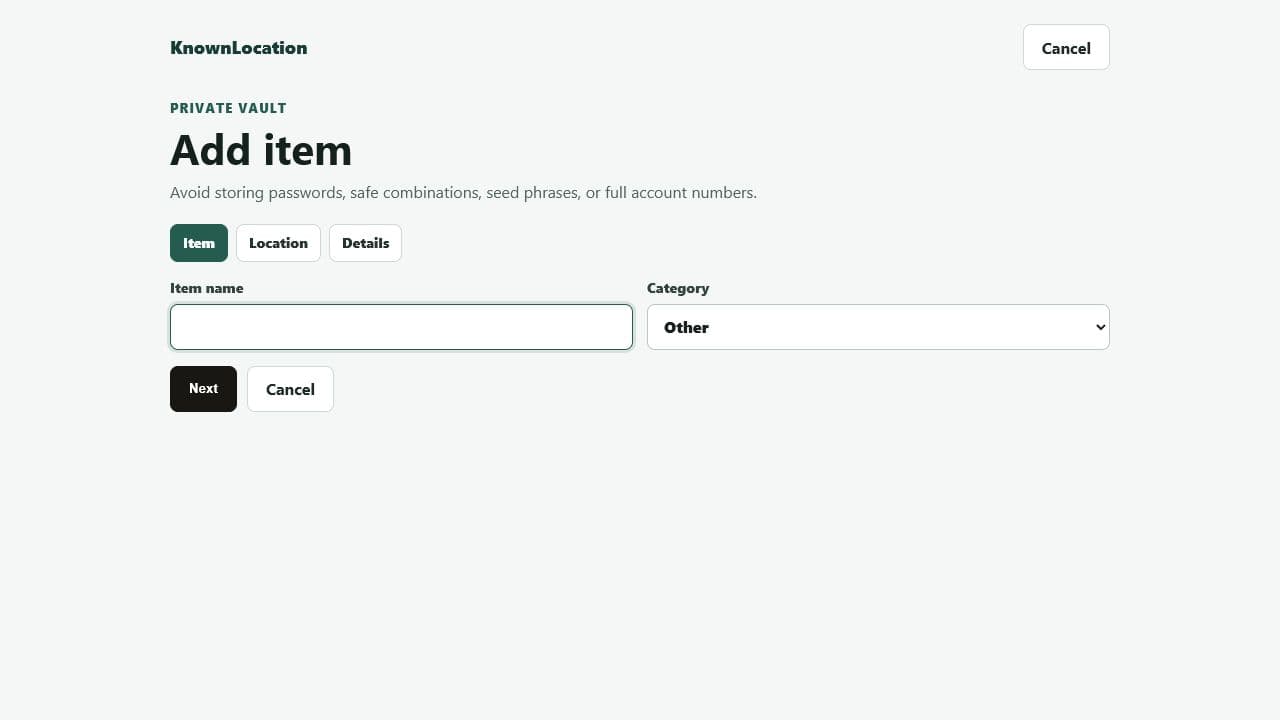
  1. Open Dashboard
  2. Choose Add item
  3. Name the item
  4. Save where it lives
  5. Add a photo if useful
KnownLocation add item wizard showing the item name and category fields

Save a reusable location

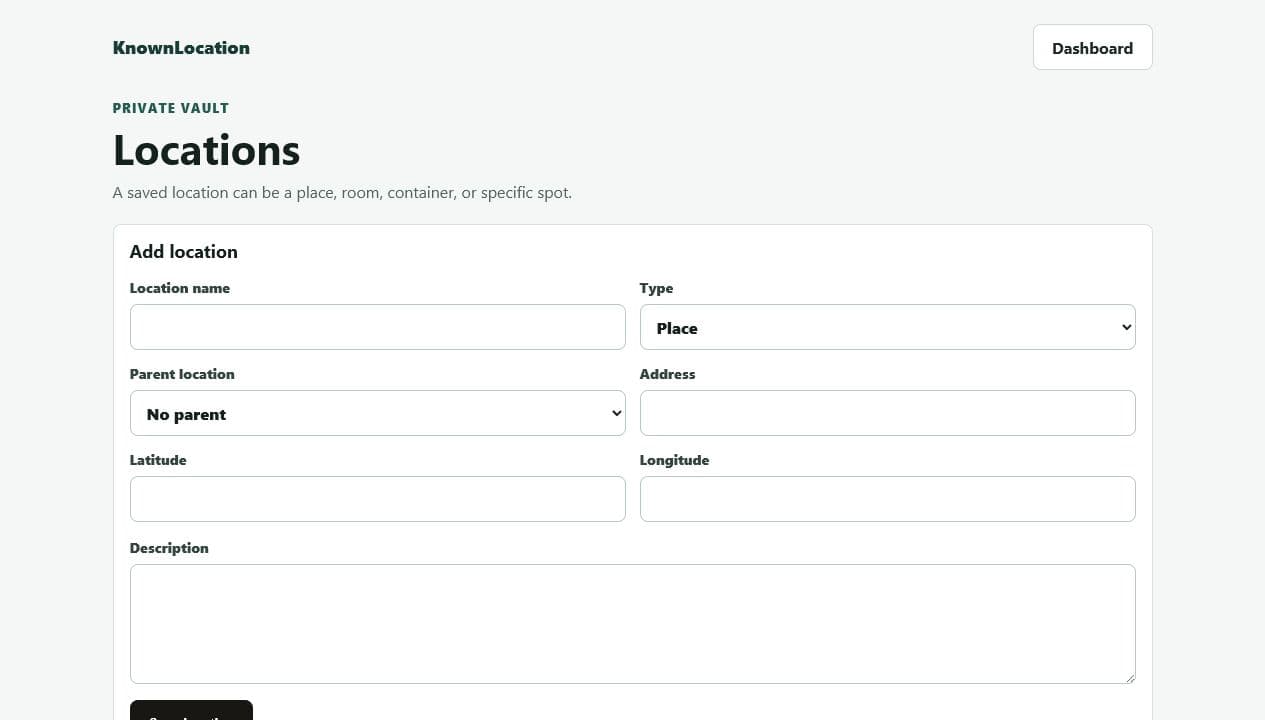
  1. Open Locations
  2. Create the main place
  3. Add room, container, and detail
  4. Attach a location photo
  5. Reuse it from item forms
KnownLocation locations editor showing the add location form

Find something later

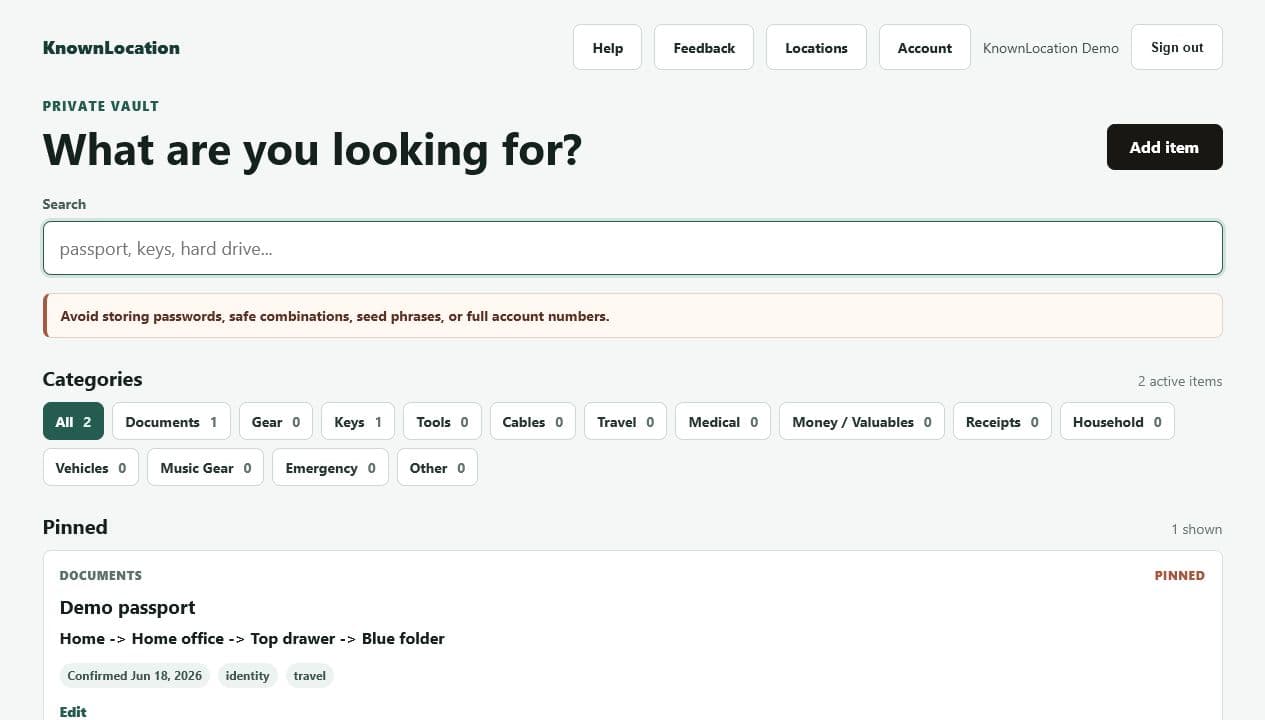
  1. Start on Dashboard
  2. Type the item, tag, room, or container
  3. Check pinned results first
  4. Open the item detail
  5. Use Still There after confirming
KnownLocation dashboard with search and a pinned demo passport result

Use photos without oversharing

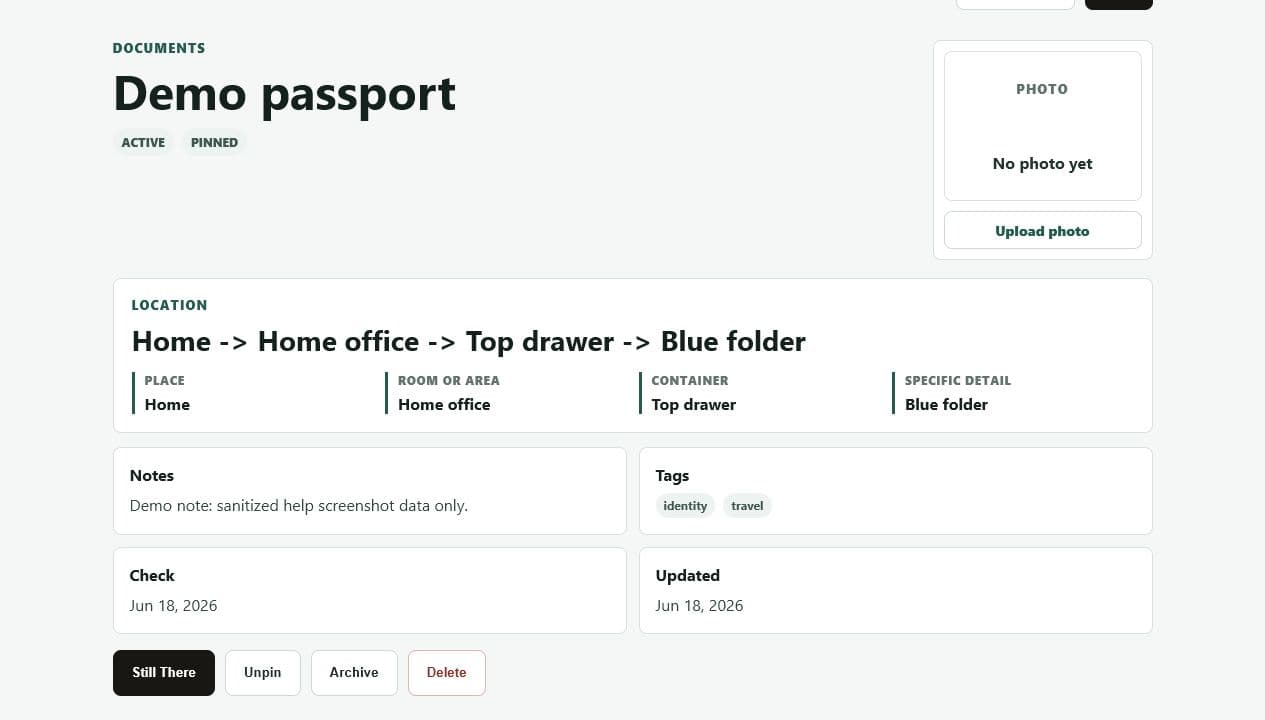
  1. Photograph the item or shelf
  2. Avoid passwords and safe combinations
  3. Upload from item or location detail
  4. Delete blurry photos
  5. Keep location notes plain
KnownLocation item detail showing location fields and the private photo upload area

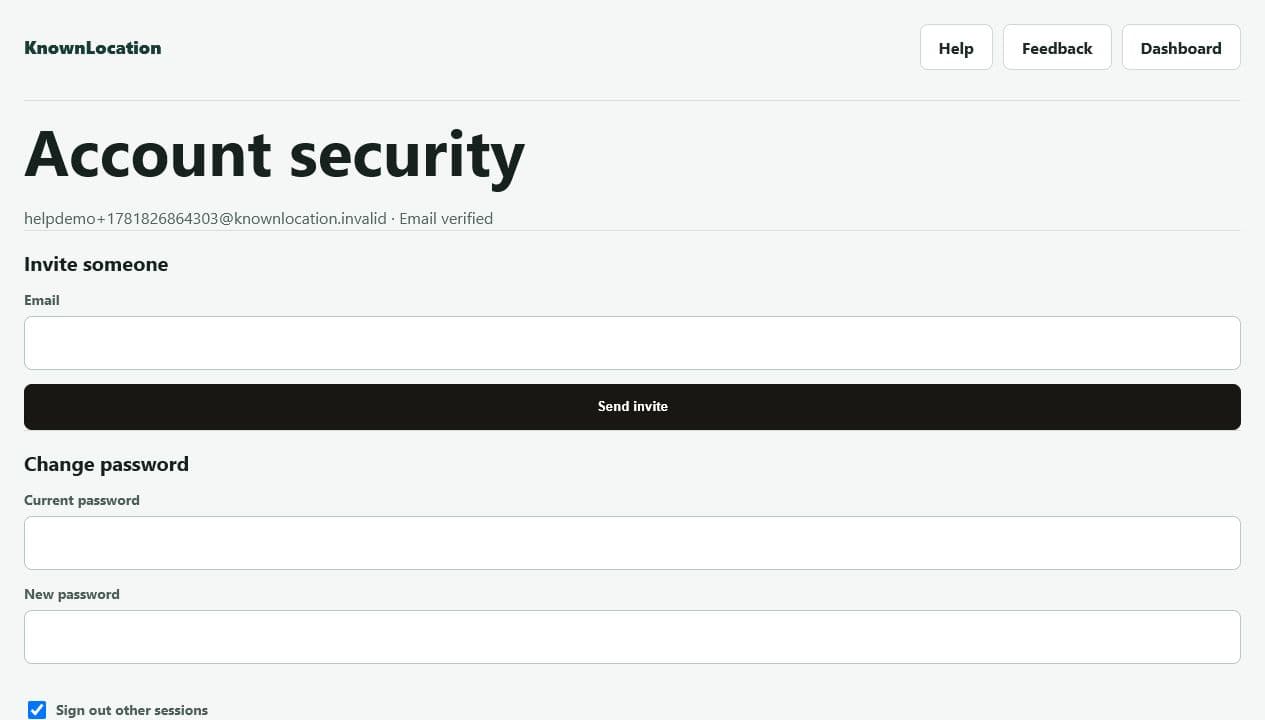
Invite a beta tester

  1. Verify your email
  2. Open Account security
  3. Enter the tester email
  4. Send invite
  5. Tester signs up from the link
KnownLocation account security page showing the invite someone form

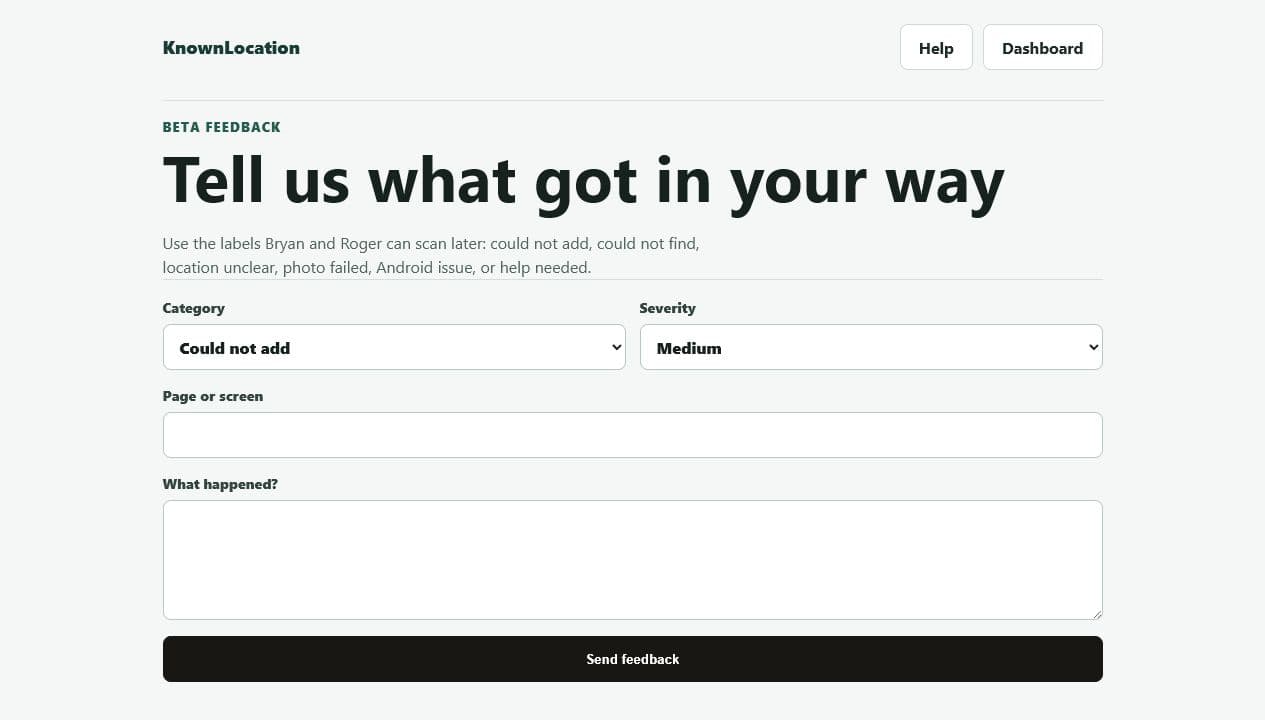
Report beta friction

  1. Open Feedback
  2. Pick a category
  3. Mark severity
  4. Write what happened
  5. Submit so we can triage
KnownLocation beta feedback form with category and severity fields

Beta rules of thumb

Do storeItem names, rooms, containers, tags, photos of shelves, and reminders to confirm important items.
Do not storePasswords, safe combinations, alarm codes, seed phrases, full account numbers, or full identity numbers.
When stuckUse Feedback and label the issue as could not add, could not find, location unclear, photo failed, Android issue, or blocked.